Introduction
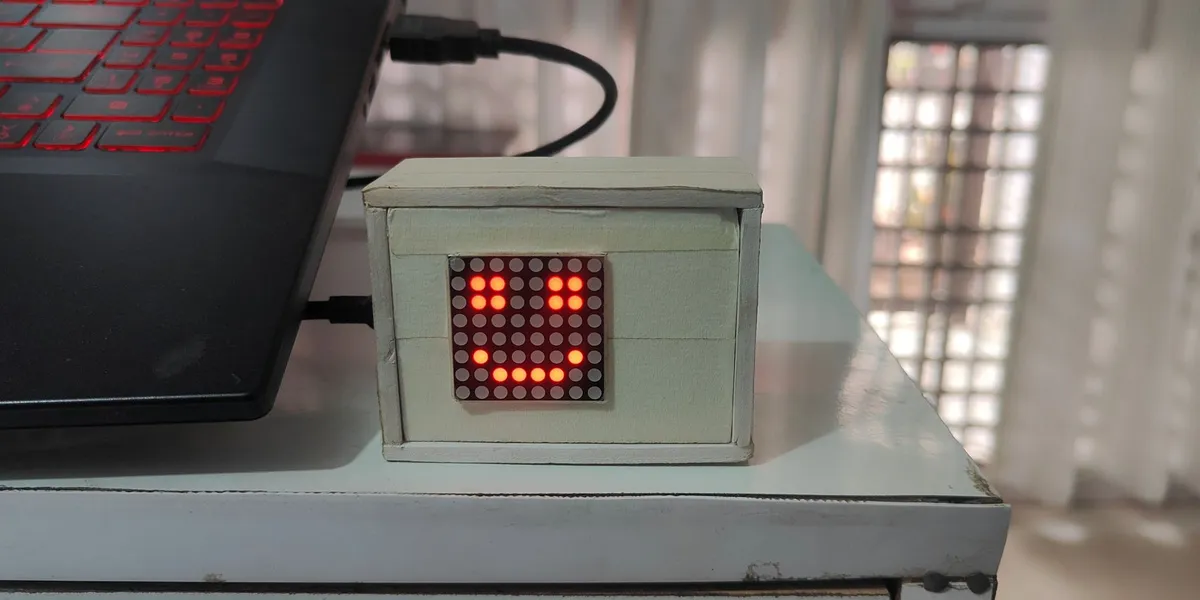
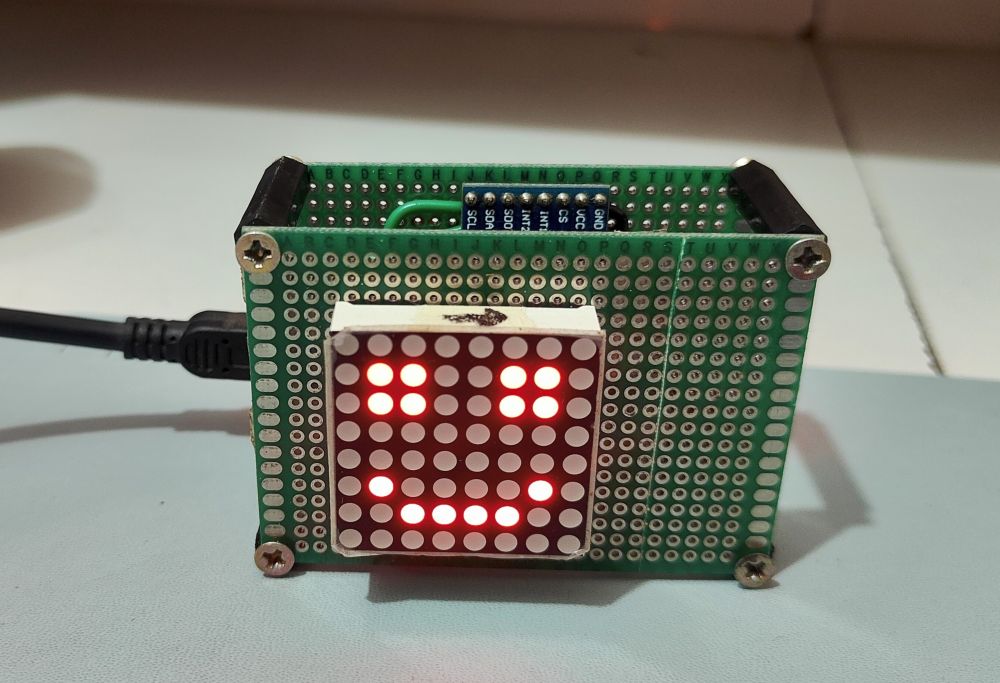
This Widget is a compact, interactive Arduino project that turns a humble 8x8 LED matrix into a lively desktop companion. It has two distinct personalities packed into 64 LEDs:
- Emotion Mode - A lifelike character cycles through expressive emotions: happy, blinking, amazed, funny, mischief, and very happy, with smooth transitions between each state. Fluid
- Simulation Mode - Twelve simulated particles slosh and tumble around the matrix in response to real-world gravity, behaving like liquid trapped inside the display.
Switching between modes is gesture-driven: give the widget a shake and the ADXL345 accelerometer detects it, flipping between the friendly face and the physics playground.
Components list
Arduino Nano R3    -> 1
8x8x8 Led Metrics  -> 1
Triple Axis Accelerometer ADXL345 -> 1
Resistor 220 ohm   -> 8
PCB Board Prototype -> 2
Female to Female Hex Spaced -> 4
Breadboard for prototyping
Solder Wire, Lead Free
Soldering iron
Arduino IDE
How It Works
The firmware is split into three clean modules:
- Ripple_Desk_Widget.ino - main loop, display multiplexing, mode arbitration
- character_animations.h - emotion frames and transition
- logic fluid_simulation.h - ADXL345 driver and particle physics
The main loop prioritizes display refresh on every iteration, so the LEDs stay smooth and bright regardless of which mode is active. Physics updates are throttled to every 50 ms, and accelerometer reads do double duty, feeding both the shake detector and the gravity vector for the fluid sim.
How to customize?
You can customize the code to do following
- Add more emotions : Every face is just an 8-byte array in
character_animations.h, where each byte is one row of the matrix. A 1 lights an LED, a 0 keeps it off. The binary-literal style (B01100110) makes it easy to “draw” pixels directly in code.
// add a new expression
static byte new_emotion[8] = {
	   B00000000,
	   B00000000,
	   B01100110,
	   B00000000,
	   B00000000,
	   B00111100,
	   B00000000,
	   B00000000
	 };
// Then plug it into the frames[] sequence and give it a duration in frameDurations[]
- Tuning the Fluid Simulation : You can change following value in
fluid_simulation.hto control fluid simulator- NUM_PARTICLES - No of particles (max ~30 before things crowd)
- GRAVITY_SCALE - How strongly tilt pulls particles
- DAMPING - How fast particles lose energy
- COLLISION_DISTANCE - Minimum spacing between particles
- COLLISION_FORCE - How hard they push apart on contact
- FLUID_UPDATE_INTERVAL - Physics tick rate in ms
Schematics Diagram
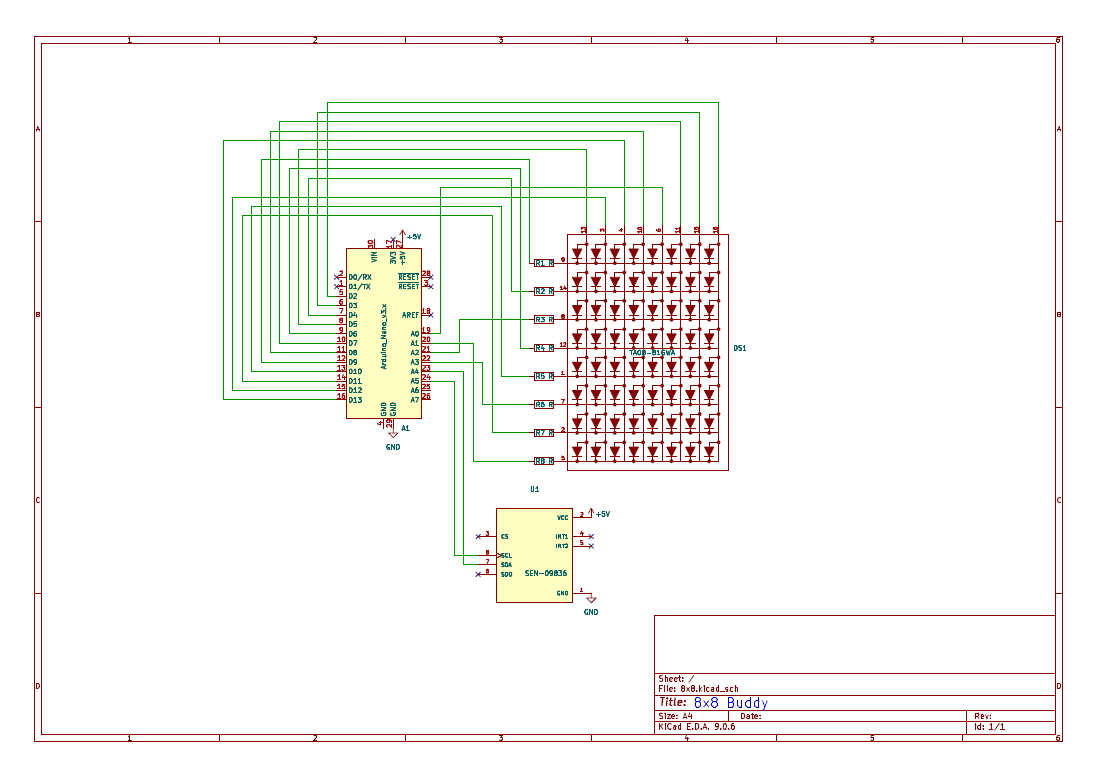
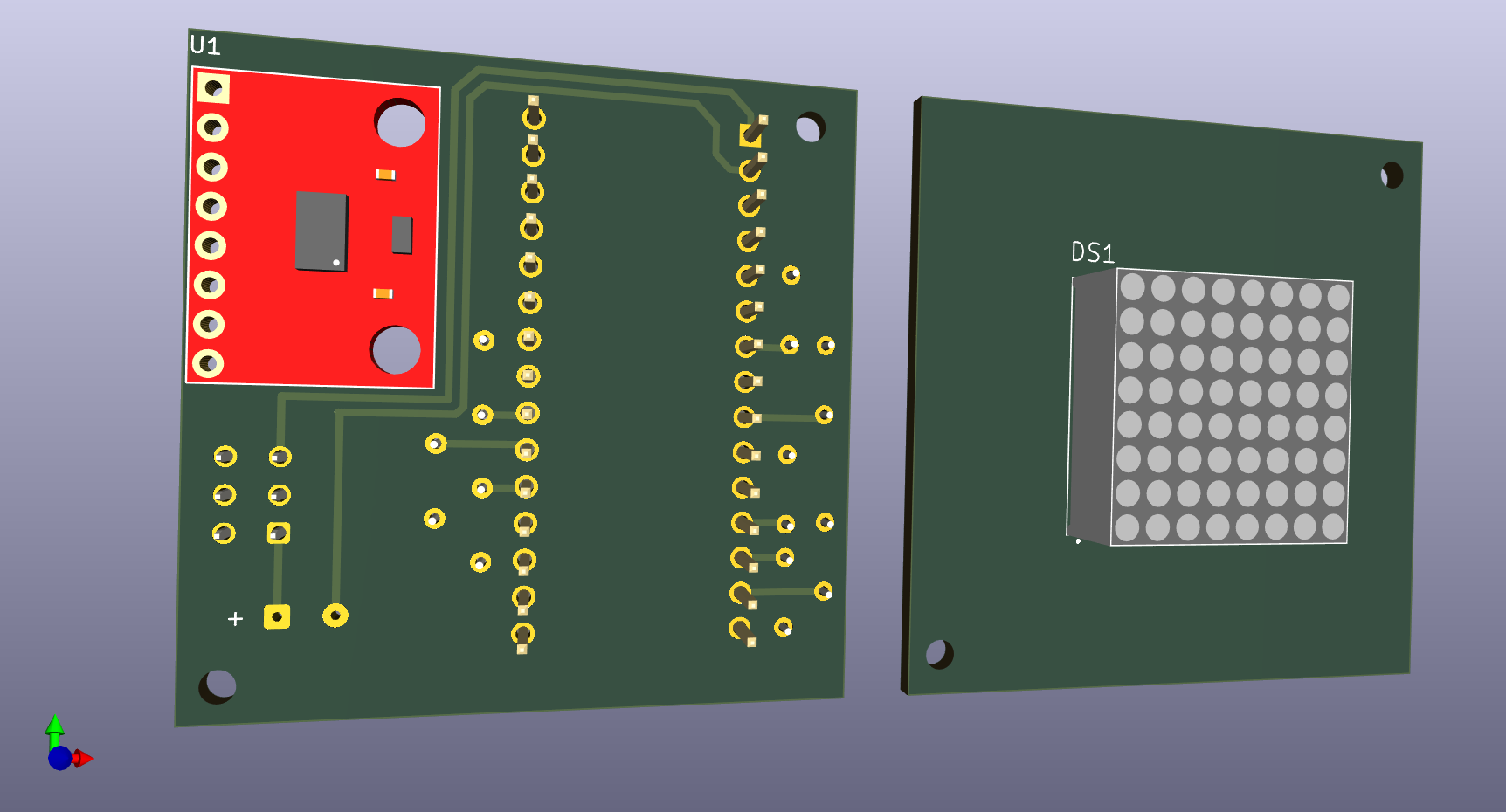
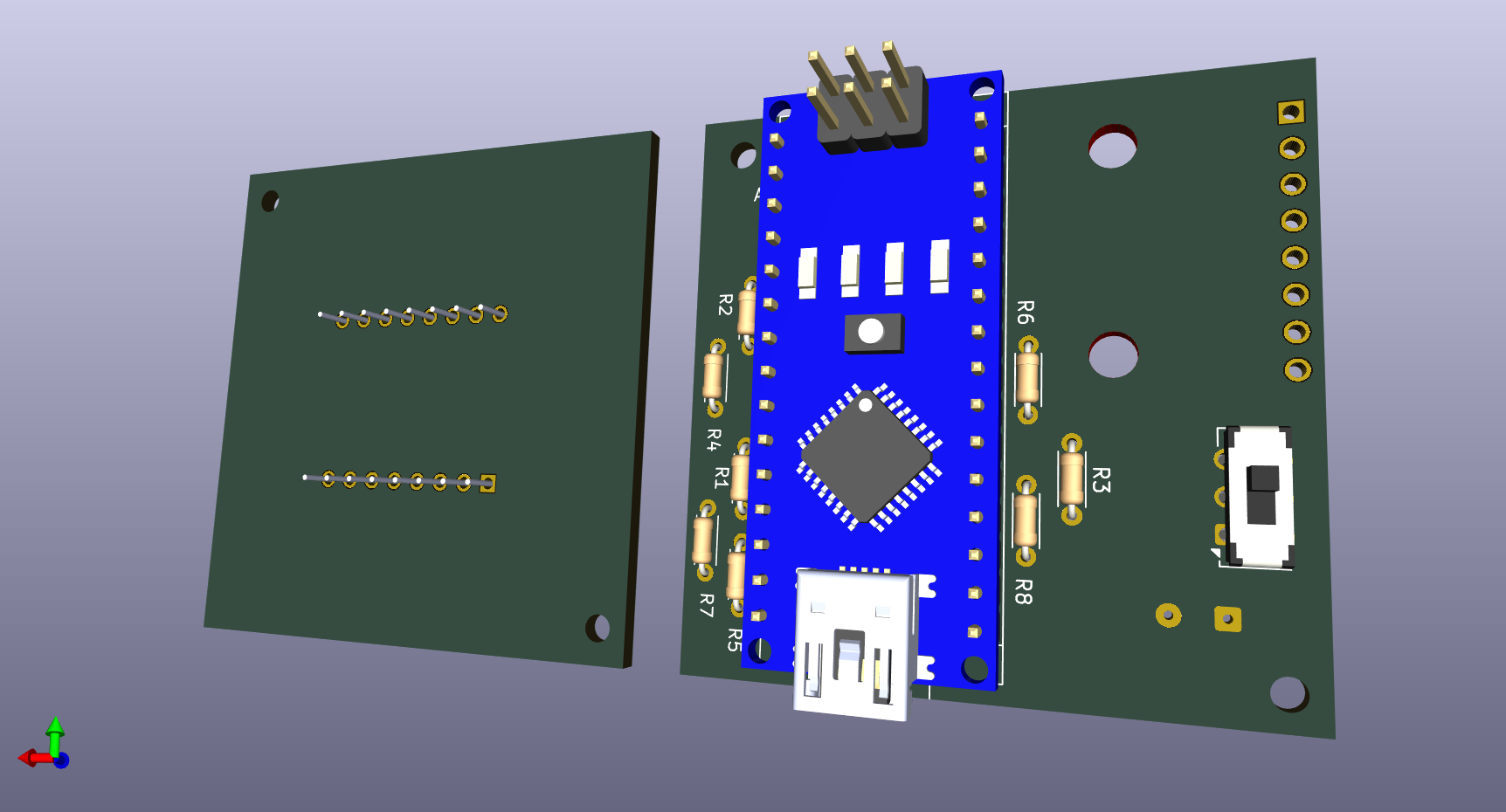
Ki Cad 3D views